
HOW TO SIGN IN
Your wholesale account, made simple
There is no password to remember.
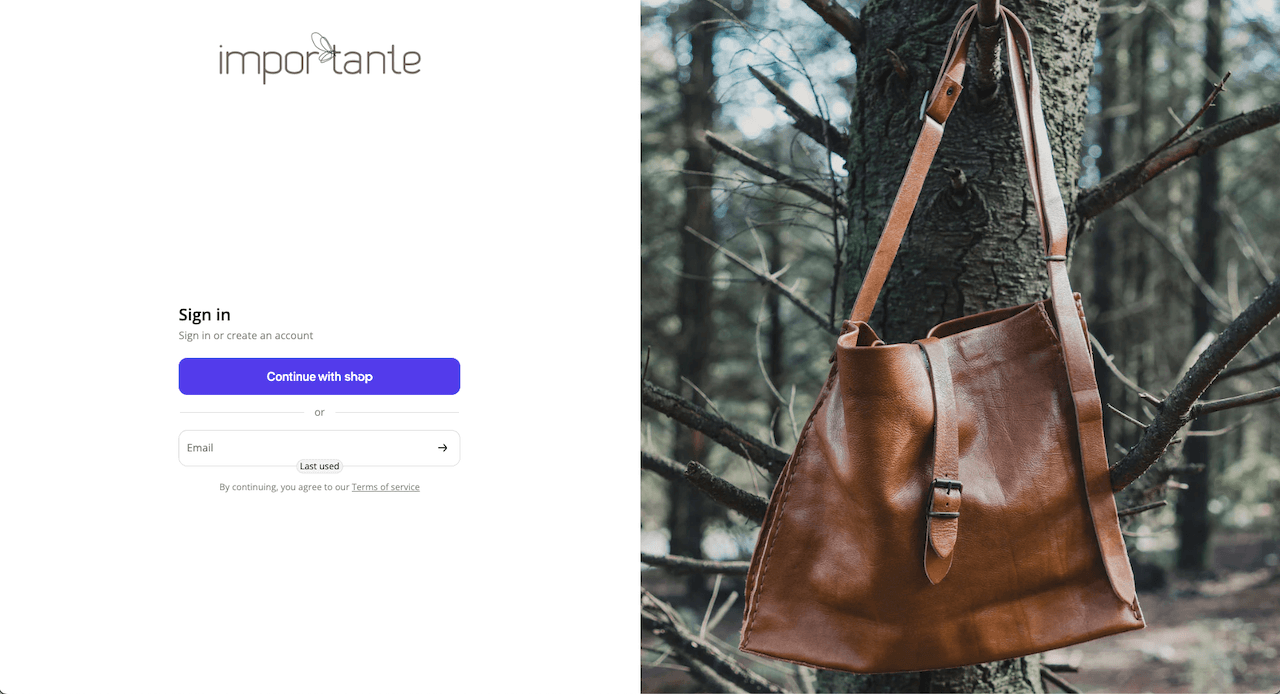
Step 1.
Enter your email
Go to the Importante B2B website and enter the email address connected to your wholesale account.
You can also select Continue with Shop if you already use Shop.
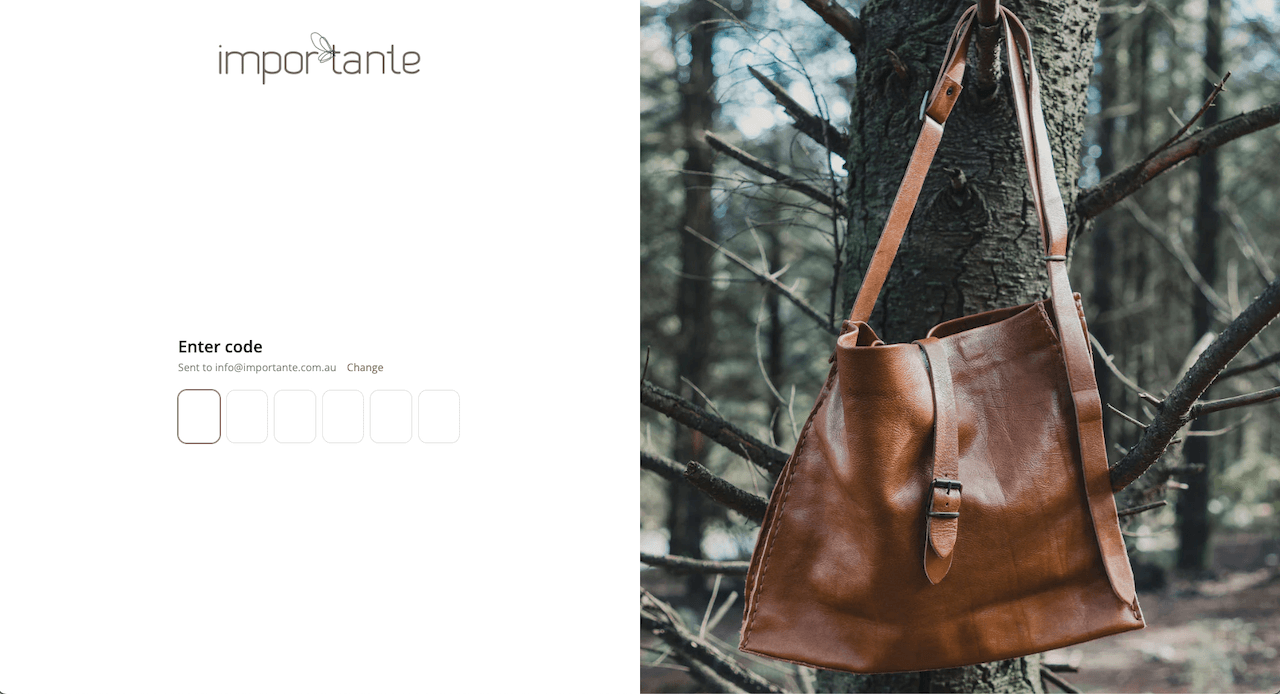
Step 2.
Enter your access code
A six-digit code will be sent to your email.
Enter the code to access your wholesale account.
(If you don't receive the code, check your junk or spam folder before requesting another one.)
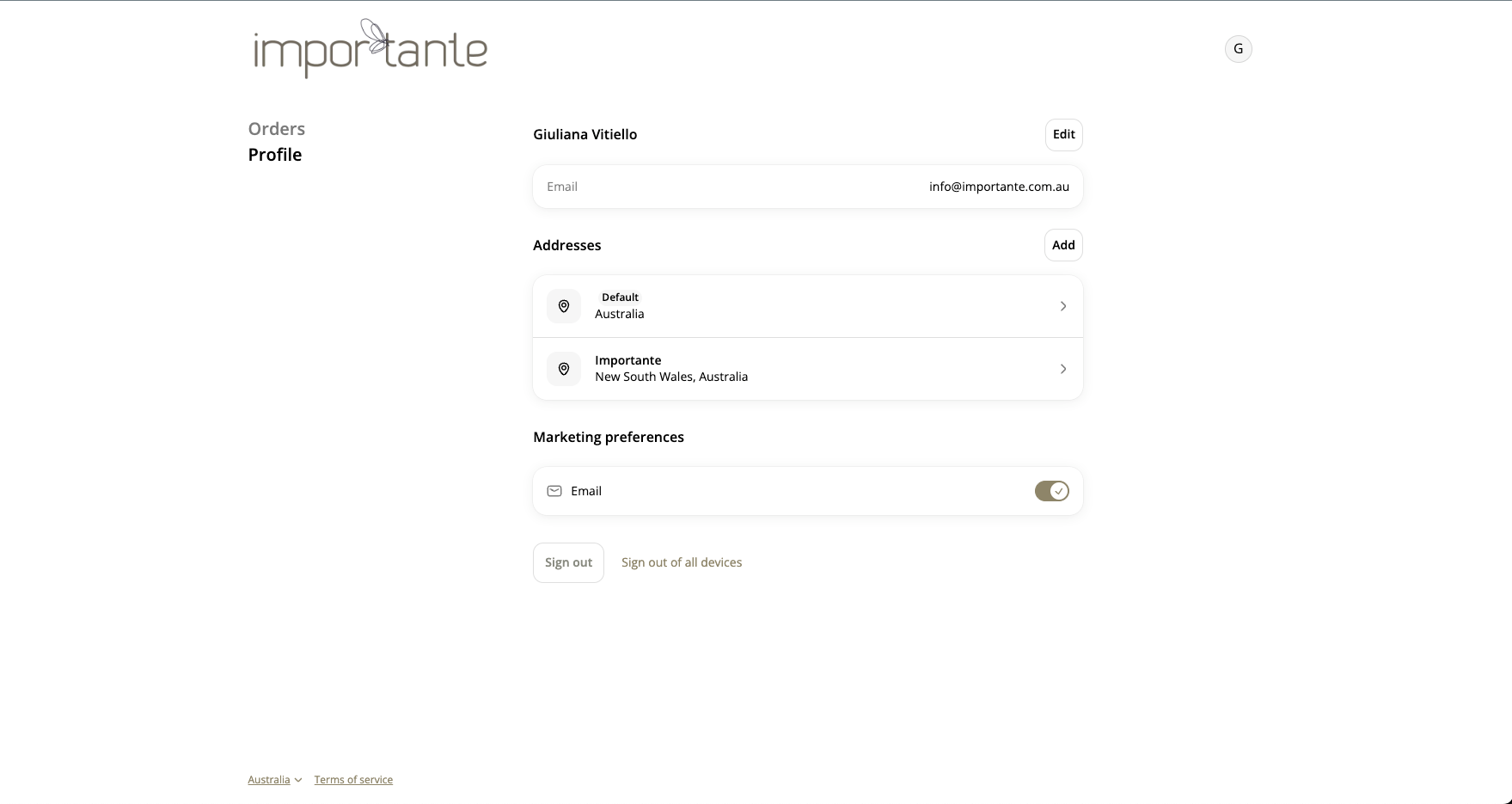
Step 3.
your account page
You are now signed in and will first arrive on your account page.
- Existing stockists may see their previous orders
- New stockists may see a simple welcome screen
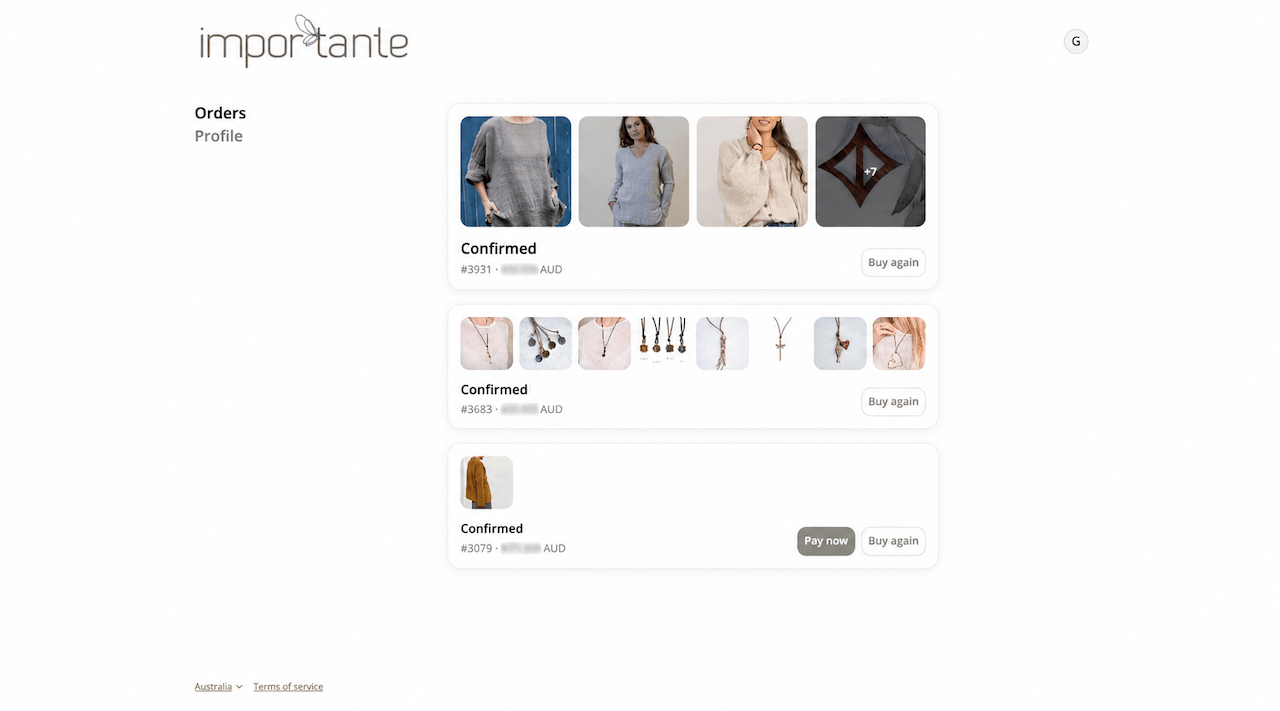
Step 4.
Select Shop now if the button appears.
If you see your previous orders instead, select the Importante logo.